You can use this method to log a meal using a plain text description.
Note: this will not add any macronutrient information to the meal log. To get the most out of the app, we recommend trying our Logging Meals with a Description or Logging Meals with a Picture features.
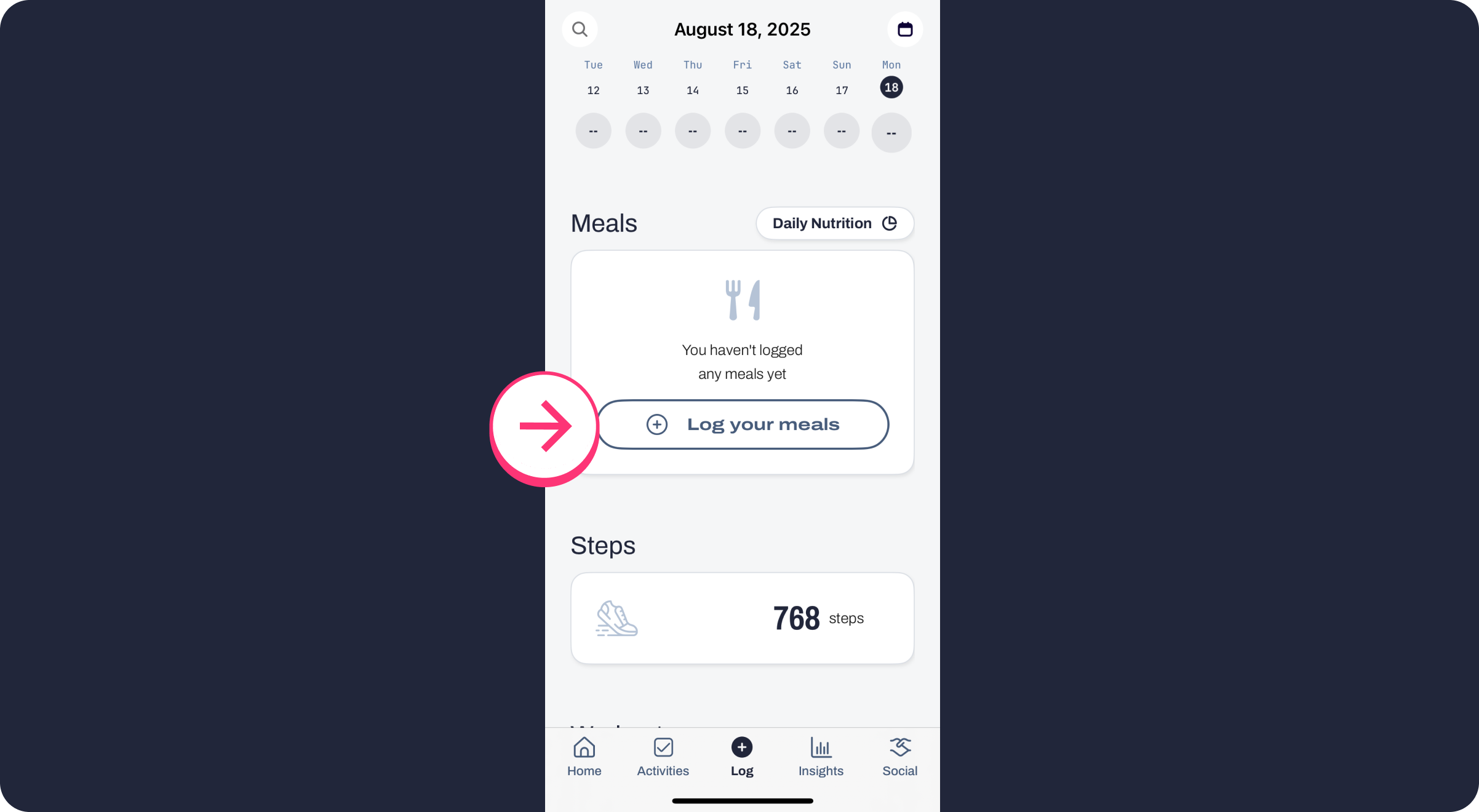
Step 1: Go to the Log tab and select "Log your meals."
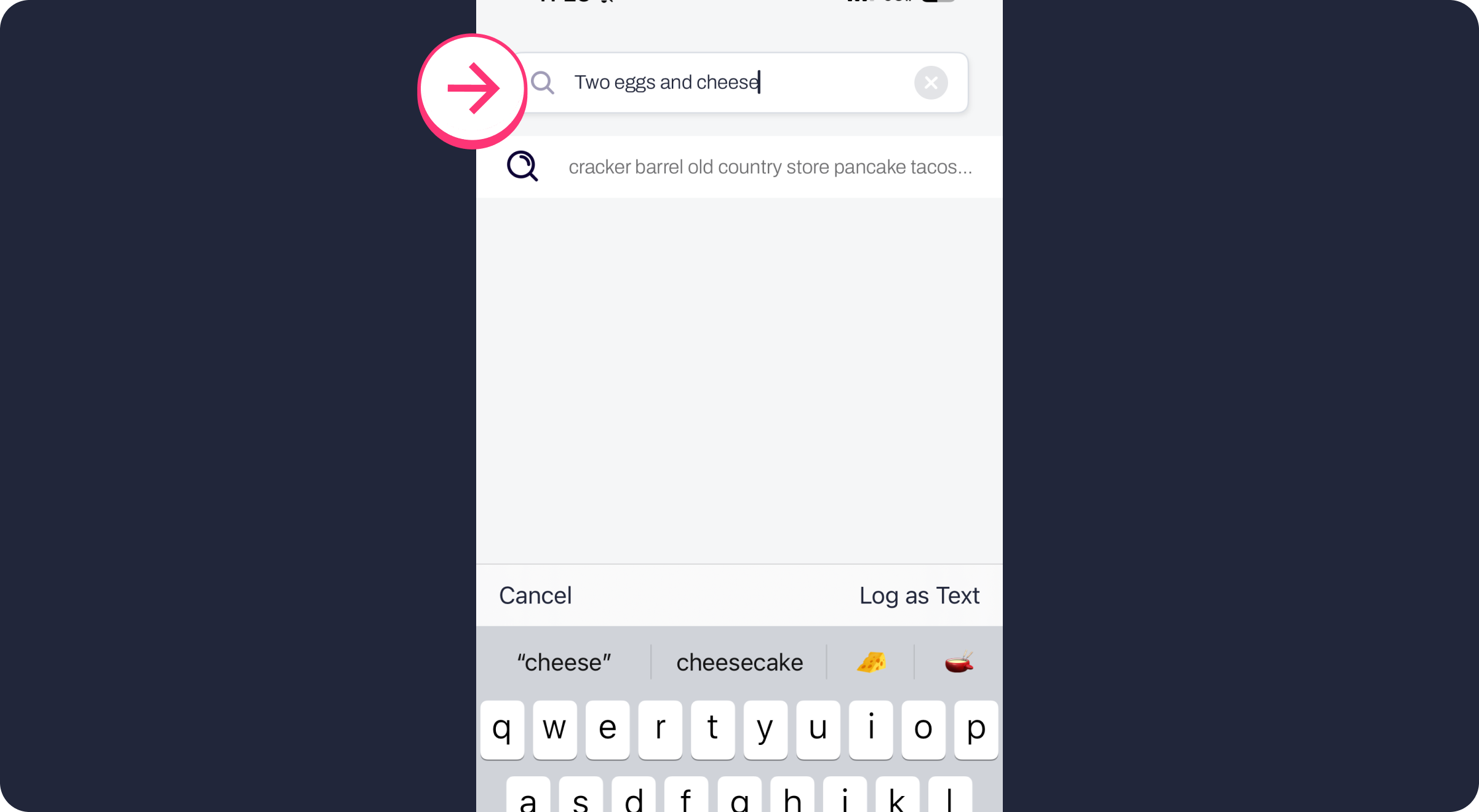
Step 2: Type a description of your meal into the search bar (you may need to tap the back or search button after you're finished typing to clear the suggested search results.
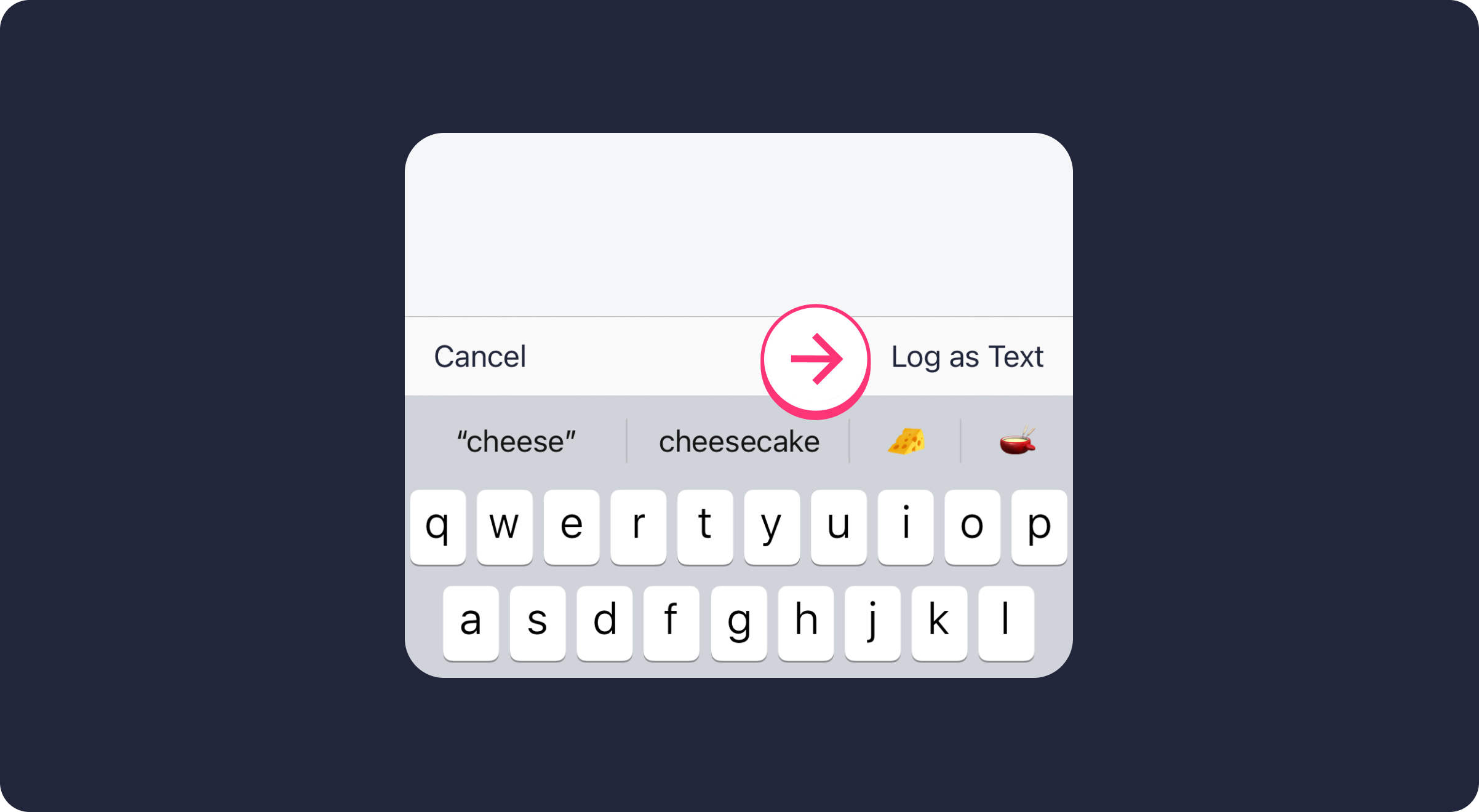
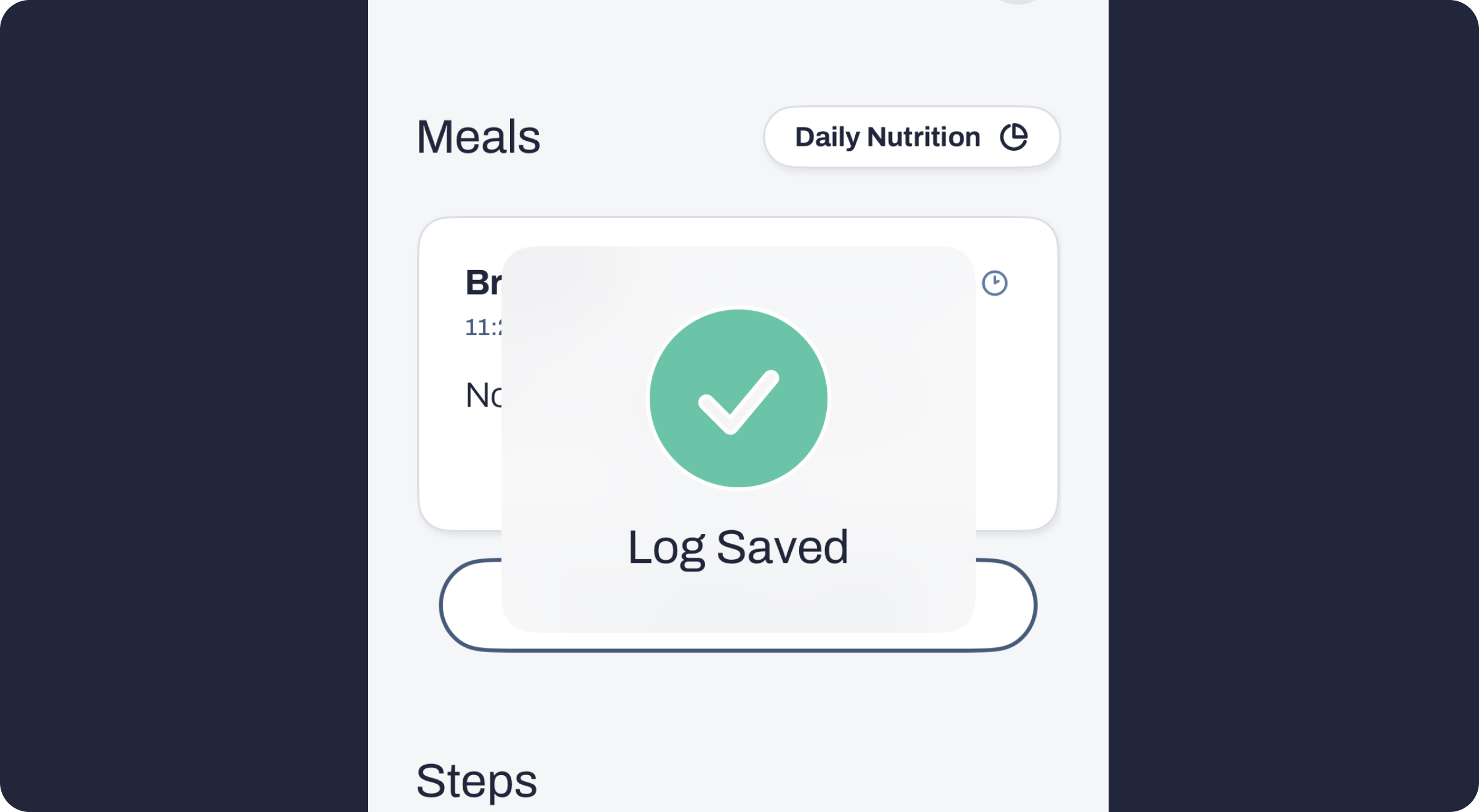
Step 3: Tap "Log as Text" to save the log

Comments
0 comments
Article is closed for comments.